

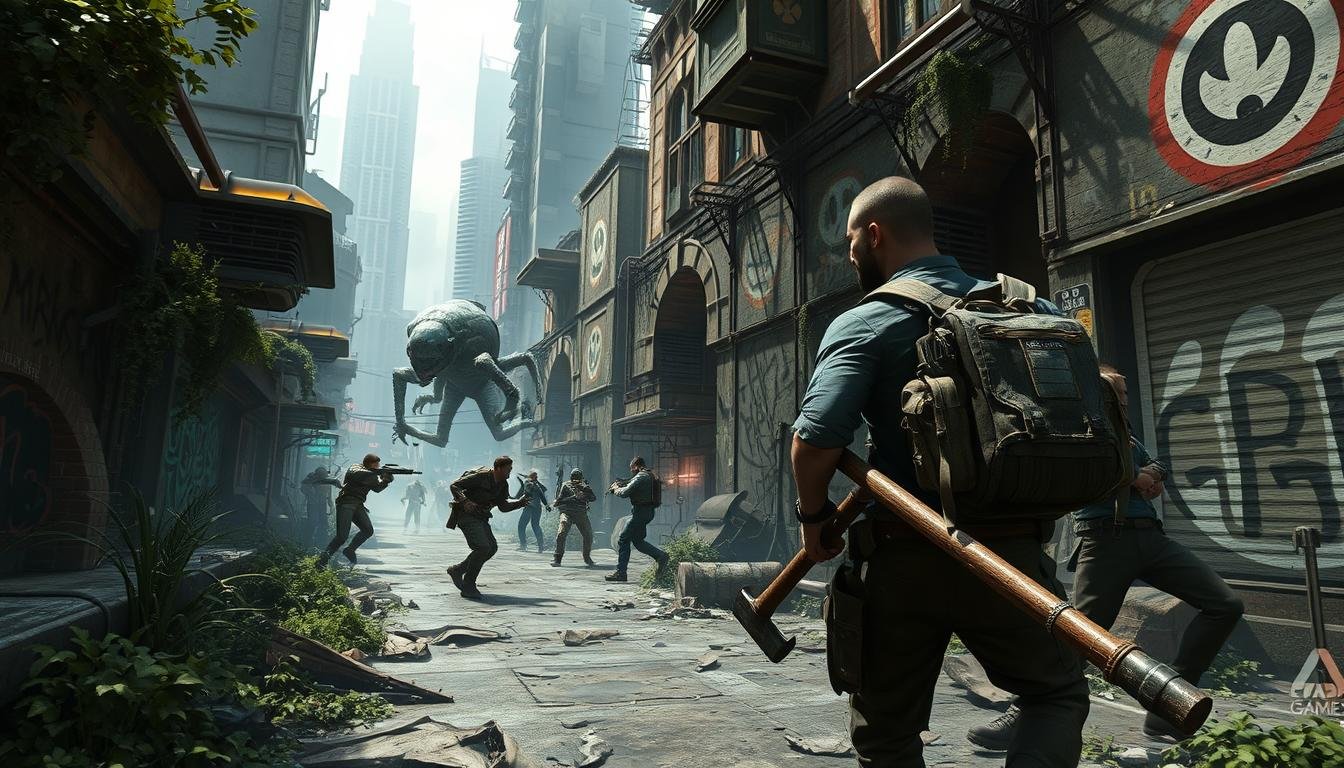
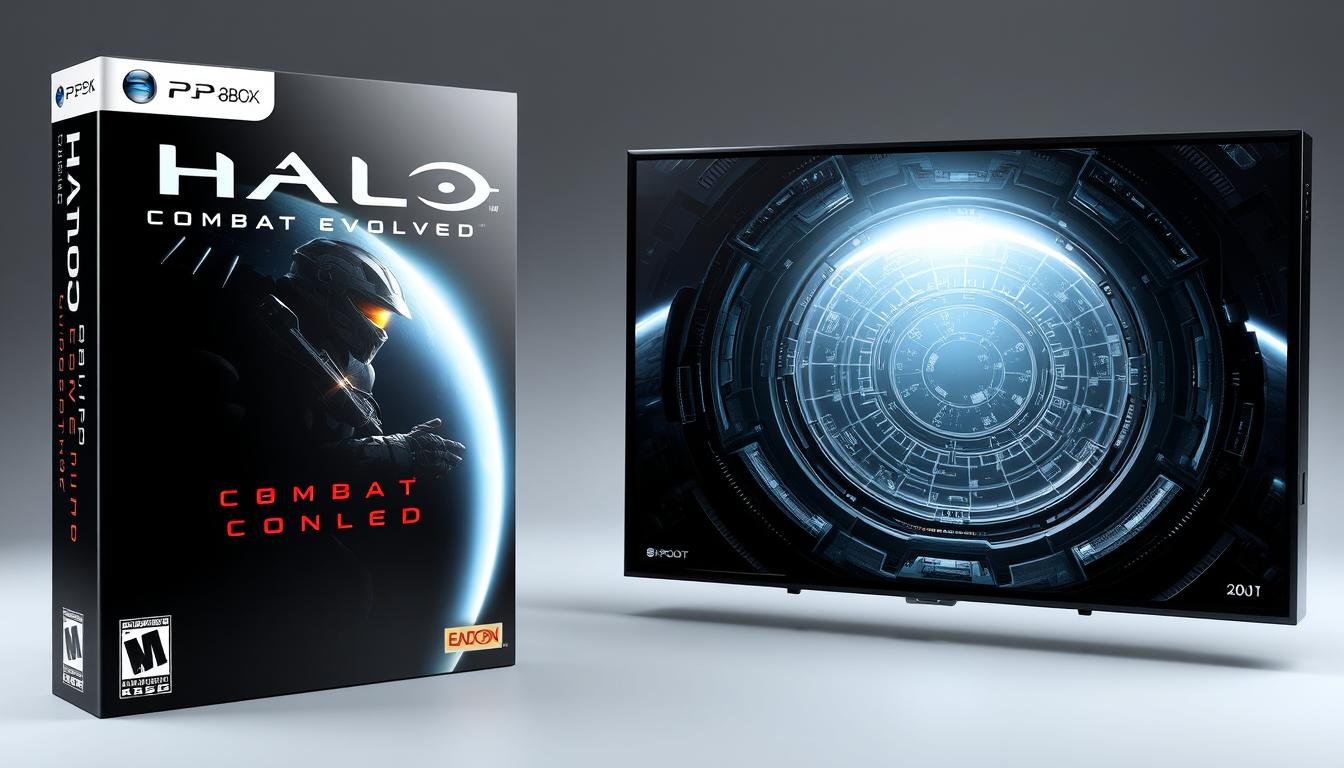
Remember when gaming meant being tied to an expensive console or high-end PC? Cloud gaming is changing that reality, allowing you to play demanding titles on almost any device with an internet connection. This revolutionary approach to gaming is gaining momentum as technology advances and internet speeds improve. In this guide, we’ll explore how cloud gaming works, compare major platforms, and help you decide if it’s the right choice for your gaming lifestyle.
What Is Cloud Gaming and How Does It Work?
Cloud gaming processes games on remote servers and streams the video to your device
Cloud gaming, sometimes called gaming-as-a-service, runs video games on remote servers rather than on your local device. These powerful servers handle all the processing, rendering, and heavy computational work that would normally require expensive hardware.
When you play a cloud-based game, your inputs (controller movements, button presses) are sent to these remote servers. The game processes these inputs, renders the next frame, and streams the video back to your device. This happens in milliseconds, creating a seamless gaming experience when conditions are optimal.
Think of it like watching Netflix or YouTube, but with the added dimension of interactivity. The primary difference between cloud gaming and traditional gaming is where the processing happens – in the cloud versus on your local hardware.
Ready to Experience Gaming Freedom?
Try cloud gaming today and play AAA titles without expensive hardware. Most services offer free trials so you can test the technology before committing.
Major Cloud Gaming Platforms Compared
The cloud gaming market has several major players, each with unique strengths and business models. Here’s how they compare:

NVIDIA GeForce NOW
NVIDIA’s service lets you play games you already own from stores like Steam and Epic. With RTX-powered performance and ray tracing capabilities, it offers some of the best visual quality in cloud gaming.
- Play games you already own
- Free tier available with session limits
- Premium tiers offer RTX performance and longer sessions
- Supports PC, Mac, SHIELD TV, mobile devices, and browsers

Xbox Cloud Gaming
Microsoft’s cloud gaming solution comes bundled with Xbox Game Pass Ultimate. It gives you access to a library of 100+ games that you can stream to various devices without downloading.
- Included with Xbox Game Pass Ultimate subscription
- 100+ games in the streaming library
- Works on Xbox consoles, PCs, mobile devices, and smart TVs
- Integrated with Xbox ecosystem

Amazon Luna
Amazon’s entry into cloud gaming offers a channel-based subscription model. Subscribe to different channels to access various game collections, including Ubisoft titles and retro games.
- Channel-based subscription model
- Prime members get access to rotating free games
- Dedicated Luna controller available
- Integrates with Twitch for streaming
| Platform | Price Model | Game Library | Max Resolution | Unique Feature |
| NVIDIA GeForce NOW | Free tier + Premium subscriptions | Your own PC games | 4K (Ultimate tier) | RTX ray tracing |
| Xbox Cloud Gaming | Xbox Game Pass Ultimate | 100+ included games | 1080p | Xbox ecosystem integration |
| Amazon Luna | Channel subscriptions | Varies by channel | 1080p | Twitch integration |
| PlayStation Plus Premium | Tiered subscription | 300+ streaming games | 1080p | PlayStation exclusives |
Find Your Perfect Cloud Gaming Match
Each cloud gaming service offers different advantages. Compare features, game libraries, and pricing to find the one that best fits your gaming style.
Advantages of Cloud Gaming vs. Traditional Gaming

Advantages
- No expensive hardware required – Play demanding games on basic devices
- Device flexibility – Switch between phone, tablet, laptop, or TV seamlessly
- No downloads or updates – Games are always updated on the server side
- Instant access – Start playing immediately without installation wait times
- No storage limitations – Access large game libraries without filling your device
- Reduced energy consumption – Less power used by your local device
Disadvantages
- Internet dependency – Requires stable, high-speed connection
- Potential latency issues – May experience input lag in fast-paced games
- Limited game ownership – Access depends on service availability
- Subscription costs – Monthly fees can add up over time
- Variable image quality – May reduce during network congestion
- Limited offline play – Most services require constant connection
According to a 2023 report by Newzoo, cloud gaming revenue is projected to reach $6.3 billion globally, representing a 47% year-over-year growth. This rapid expansion indicates increasing consumer acceptance of the technology despite its current limitations.
“Cloud gaming represents a fundamental shift in how games are distributed and played. It’s not just about convenience—it’s about democratizing access to high-end gaming experiences regardless of hardware limitations.”
Internet Requirements and Optimal Setup

Cloud gaming’s performance depends heavily on your internet connection. Here are the typical requirements for a smooth experience:
| Quality Level | Minimum Speed | Recommended Speed | Max Latency | Data Usage (1 hour) |
| 720p / 30fps | 10 Mbps | 15 Mbps | 150ms | 3-4 GB |
| 1080p / 60fps | 20 Mbps | 25-30 Mbps | 80ms | 6-8 GB |
| 4K / 60fps | 35 Mbps | 45+ Mbps | 40ms | 15-20 GB |
Tips for Optimal Cloud Gaming Performance
Connection Optimization
- Use wired Ethernet when possible
- If using Wi-Fi, stay close to your router
- Consider a Wi-Fi 6 router for better wireless performance
- Close bandwidth-heavy applications while gaming
Reducing Latency
- Choose servers geographically close to you
- Use a gaming-focused VPN if your ISP throttles gaming traffic
- Enable Quality of Service (QoS) settings on your router
- Consider upgrading to fiber internet if available
Pro Tip: Test your internet speed and latency before subscribing to a cloud gaming service. Most providers offer free trials or basic tiers that let you evaluate performance before committing to a paid subscription.
Cloud Gaming Pricing Models Explained

Cloud gaming services employ several different business models. Understanding these can help you choose the option that provides the best value for your gaming habits:
Subscription Library
Pay a monthly fee to access a curated library of games (Xbox Cloud Gaming, PlayStation Plus Premium).
Best for: Players who enjoy variety and don’t need to own specific titles.
Bring Your Own Games
Connect to your existing game libraries on platforms like Steam or Epic (GeForce NOW).
Best for: PC gamers with existing game collections who want cloud flexibility.
Hybrid Models
Subscription for base service plus additional purchases for premium content (Amazon Luna with channels).
Best for: Players who want flexibility to customize their gaming library.
2023 Price Comparison
| Service | Basic Tier | Premium Tier | Family Sharing | Free Trial |
| GeForce NOW | Free (1-hour sessions) | $9.99/month (Priority) $19.99/month (Ultimate) | No | Yes (Free tier) |
| Xbox Cloud Gaming | Included with Game Pass Ultimate ($14.99/month) | N/A | Limited | Yes (1 month) |
| Amazon Luna | Luna+ ($9.99/month) | Additional channels ($5.99-17.99/month) | Yes | Yes (Prime members) |
| PlayStation Plus Premium | $17.99/month | N/A | No | Yes (7 days) |
Many services offer annual payment options that provide significant discounts compared to monthly payments. For example, Xbox Game Pass Ultimate offers a 16% discount when purchasing a 12-month subscription versus paying monthly.
Find the Best Value in Cloud Gaming
Many services offer free trials or basic tiers to test performance. Try before you commit to find the service that works best with your internet connection and gaming preferences.
Who Benefits Most from Cloud Gaming?

Cloud gaming has democratized access to high-end gaming experiences, making it particularly valuable for several user groups:
Casual Gamers
- Don’t want to invest in expensive hardware
- Play occasionally across different devices
- Prefer flexibility over ownership
- Value convenience and instant access
Mobile Gamers
- Want console-quality games on smartphones/tablets
- Play while commuting or traveling
- Prefer not to carry dedicated gaming hardware
- Have access to strong mobile data or Wi-Fi
Mac/Low-Spec PC Users
- Own computers not designed for gaming
- Want to play Windows-exclusive titles on Mac
- Can’t justify a separate gaming PC
- Need to run demanding games on older hardware
Accessibility Benefits
Cloud gaming has made significant strides in making gaming more accessible to people who previously faced barriers to entry:
Economic Accessibility
By eliminating the need for expensive hardware upgrades, cloud gaming has lowered the financial barrier to enjoying modern games. A basic $300 laptop can now run games that would normally require a $1,500+ gaming PC.
Geographic Accessibility
In regions where importing gaming hardware is difficult or expensive, cloud gaming provides access to current-generation games without shipping physical hardware, assuming adequate internet infrastructure.
“Cloud gaming isn’t just a technological advancement—it’s an equalizer that allows more people to participate in gaming culture regardless of their hardware limitations or technical knowledge.”
Challenges and Limitations of Cloud Gaming

Despite its promise, cloud gaming faces several significant challenges that impact adoption and user experience:
Technical Limitations
Latency Concerns
Even with optimal connections, cloud gaming adds 30-50ms of latency compared to local gaming. This can be problematic for competitive or reflex-based games where milliseconds matter.
Distance from data centers significantly impacts latency. Users in rural areas or regions with fewer server locations often experience higher latency than those in major metropolitan areas.
Bandwidth and Data Caps
Cloud gaming is data-intensive, consuming 10-20GB per hour at high quality. This poses challenges for users with data caps or in regions with limited bandwidth availability.
According to OpenVault, approximately 14.1% of US internet subscribers face data caps, potentially limiting their ability to use cloud gaming services extensively.
Market and Business Challenges
Game Availability
Not all publishers make their games available on cloud platforms. Licensing agreements, technical requirements, and business strategies can limit game libraries compared to traditional platforms.
Service Longevity
The closure of Google Stadia in 2023 highlighted concerns about service continuity. When cloud services shut down, users may lose access to games and save data, unlike physical or locally downloaded games.
Important Consideration: Cloud gaming services typically require ongoing subscription payments to maintain access to games. Unlike traditional purchases, stopping payment usually means losing access to your gaming library, even for games you’ve played extensively.
The Future of Cloud Gaming

The cloud gaming landscape continues to evolve rapidly. Here are key trends shaping its future:
5G and Edge Computing
The rollout of 5G networks and edge computing infrastructure will significantly reduce latency issues by processing game data closer to users. This could make cloud gaming viable in more locations and for more game types.
AI-Enhanced Streaming
Machine learning algorithms are improving video compression and predictive input processing, reducing bandwidth requirements while maintaining visual quality and responsiveness.
Cross-Platform Integration
Cloud gaming is increasingly becoming part of broader gaming ecosystems rather than standalone services, allowing seamless transitions between local and cloud gaming experiences.
Market Projections
According to market research firm Newzoo, the cloud gaming market is expected to reach $13.5 billion by 2026, representing a compound annual growth rate (CAGR) of 47.9%. This growth is driven by several factors:
- Increasing internet speeds globally
- Growing smartphone performance and 5G adoption
- Rising costs of gaming hardware making cloud alternatives more attractive
- Major tech companies investing heavily in cloud infrastructure
“We’re just at the beginning of cloud gaming’s potential. As infrastructure improves and business models evolve, we’ll see experiences that simply aren’t possible on traditional hardware. The technology will enable new game designs built specifically for distributed computing environments.”
Experience the Future of Gaming Today
Cloud gaming is evolving rapidly, but you can start enjoying its benefits right now. Try a service that matches your gaming style and internet capabilities.
Is Cloud Gaming Right For You?
Cloud gaming represents a significant shift in how we access and play video games. While it may not completely replace traditional gaming in the near term, it offers compelling advantages for many types of players.
If you value convenience, flexibility, and access over ownership, and have a stable internet connection, cloud gaming could transform your gaming experience. It eliminates hardware barriers, allows you to play anywhere, and provides instant access to a wide library of titles.
However, competitive gamers, those with limited internet access, or players who prioritize ownership may find that traditional gaming still better meets their needs. As with any technology, the right choice depends on your specific circumstances and preferences.
As internet infrastructure improves and the technology matures, cloud gaming will likely become an increasingly viable option for more gamers worldwide. Whether you’re ready to make the leap now or are waiting for further advancements, cloud gaming is undoubtedly reshaping the future of interactive entertainment.
Do I need a gaming controller to use cloud gaming services?
While most cloud gaming services work best with controllers, many also support keyboard and mouse input. Some services like GeForce NOW have excellent keyboard and mouse support, while others like Xbox Cloud Gaming are optimized for controllers. Several services also offer touch controls for mobile devices, though these are typically less precise for complex games.
What happens to my progress if I lose internet connection while cloud gaming?
If your connection drops during a cloud gaming session, you’ll typically be disconnected from the game. Most modern games auto-save frequently, so you’ll usually only lose a small amount of progress. When you reconnect, you can resume from the last save point. Some services have features that maintain your session for a short period during brief disconnections.
Can I play cloud games offline?
No, cloud gaming requires an active internet connection since the game is running on remote servers. Without internet connectivity, you cannot access the cloud infrastructure needed to run the games. This is one of the main limitations compared to traditional gaming, where installed games can be played offline.







Leave a Reply