

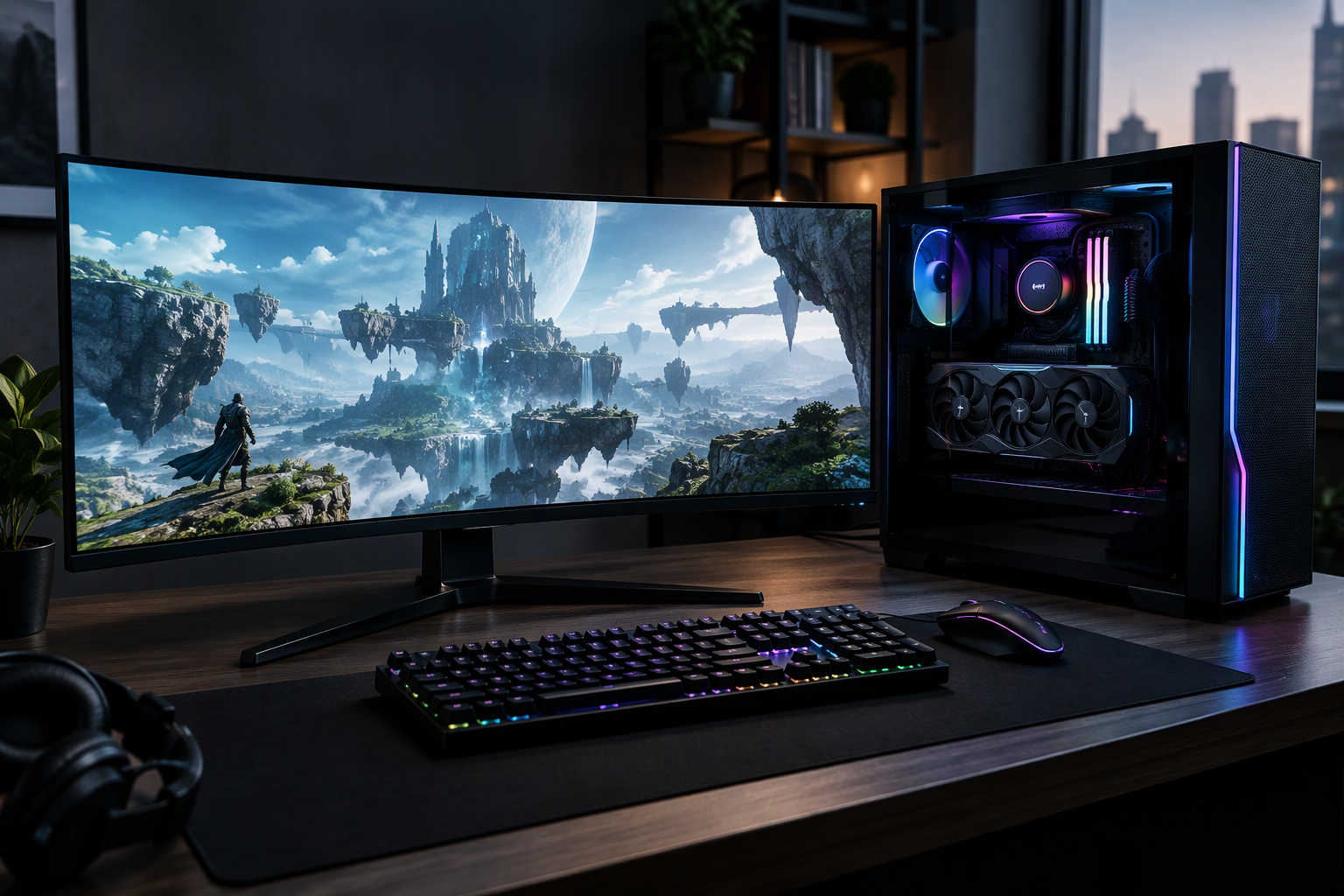
PC gaming gives players flexibility, but that flexibility also creates more decisions. Hardware, display settings, drivers, storage, cooling, and game optimization all influence the final experience.
Performance is about balance
A powerful graphics card cannot solve every performance problem. The processor, memory, storage speed, cooling, and software settings also matter. A balanced system usually provides a smoother experience than a single expensive component paired with older hardware.
Resolution and frame rate choices
Higher resolution can improve image detail, while a higher frame rate can make controls feel more responsive. The right choice depends on the genre, monitor, and hardware.
Storage and loading times
Fast storage can reduce loading and improve the overall feel of a system, particularly in games with large worlds. Keeping enough free space also helps updates install more reliably.
The value of optimization
Before buying new hardware, check for driver updates, graphics settings, background applications, and game-specific recommendations. Lowering a single demanding setting can sometimes improve performance without noticeably reducing image quality.
Final takeaway
PC gaming is moving toward more flexible performance choices, but players do not need the most expensive setup to enjoy modern games. Match upgrades to real needs and prioritize a stable experience.
For practical improvement advice, read essential gaming tips for improving skills and progress.
Browse more stories in PC Games News.
FAQ
What affects PC game performance most?
The graphics card, processor, memory, storage, cooling, drivers, and game settings all contribute.
Should players prioritize resolution or frame rate?
It depends on the game and display. Competitive games often benefit from frame rate, while cinematic games may prioritize resolution.







Leave a Reply